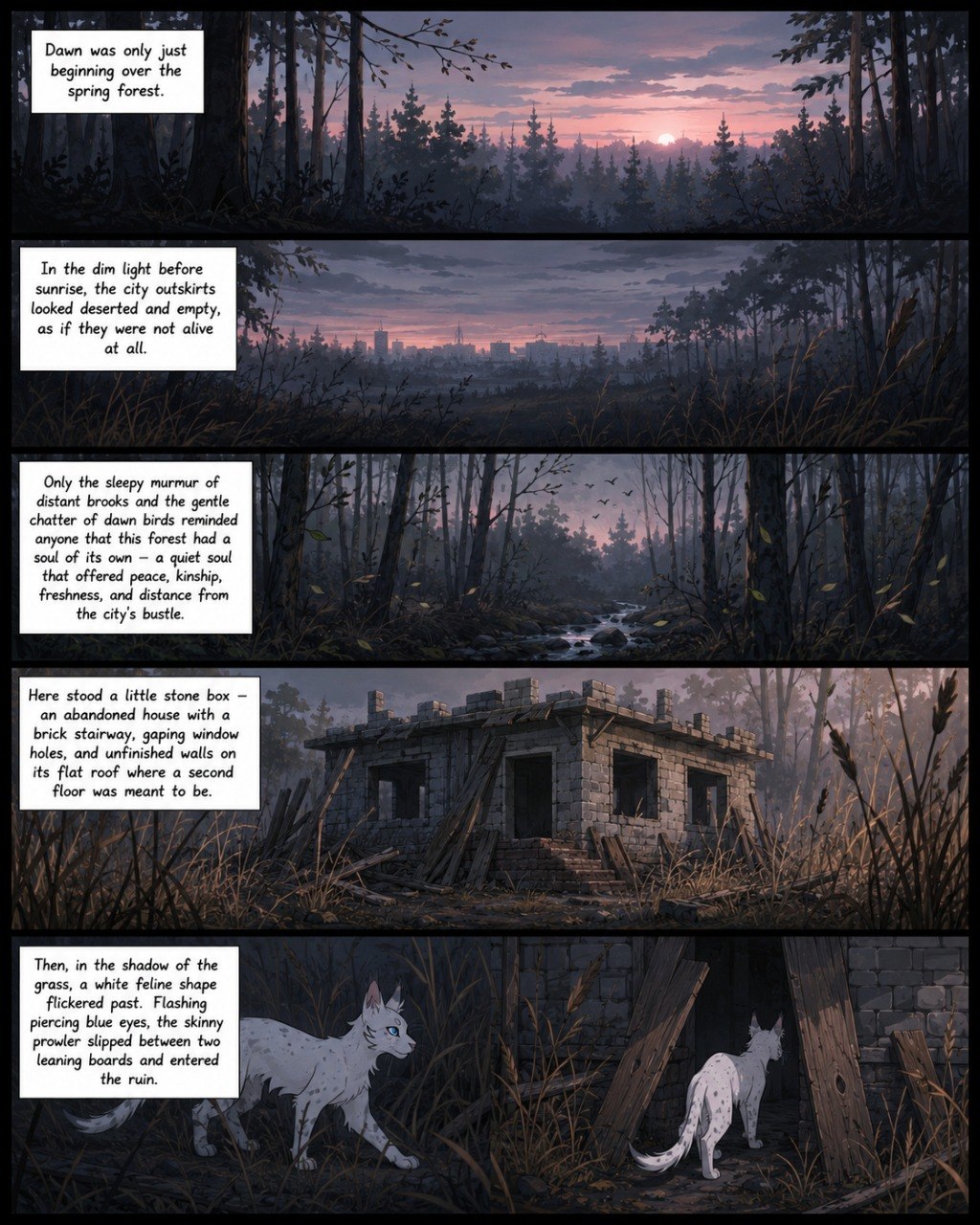
Comics · 1
Page 1
Comic page.
comic
The site works as a single interactive showcase: quick search at the top, main sections below, and a home page with a book list that opens chapter scrolls.
Start typing a character name or a chapter number. The dropdown will show either a character card or the beginning of a matching chapter.
The section first shows the full book list. Clicking a book opens a scrollable chapter list from the first chapter to the last.
A scrollable feed of comic pages. All previously uploaded images have been restored in this section; new pages can be appended to the DATA.comics array.
Comic page.
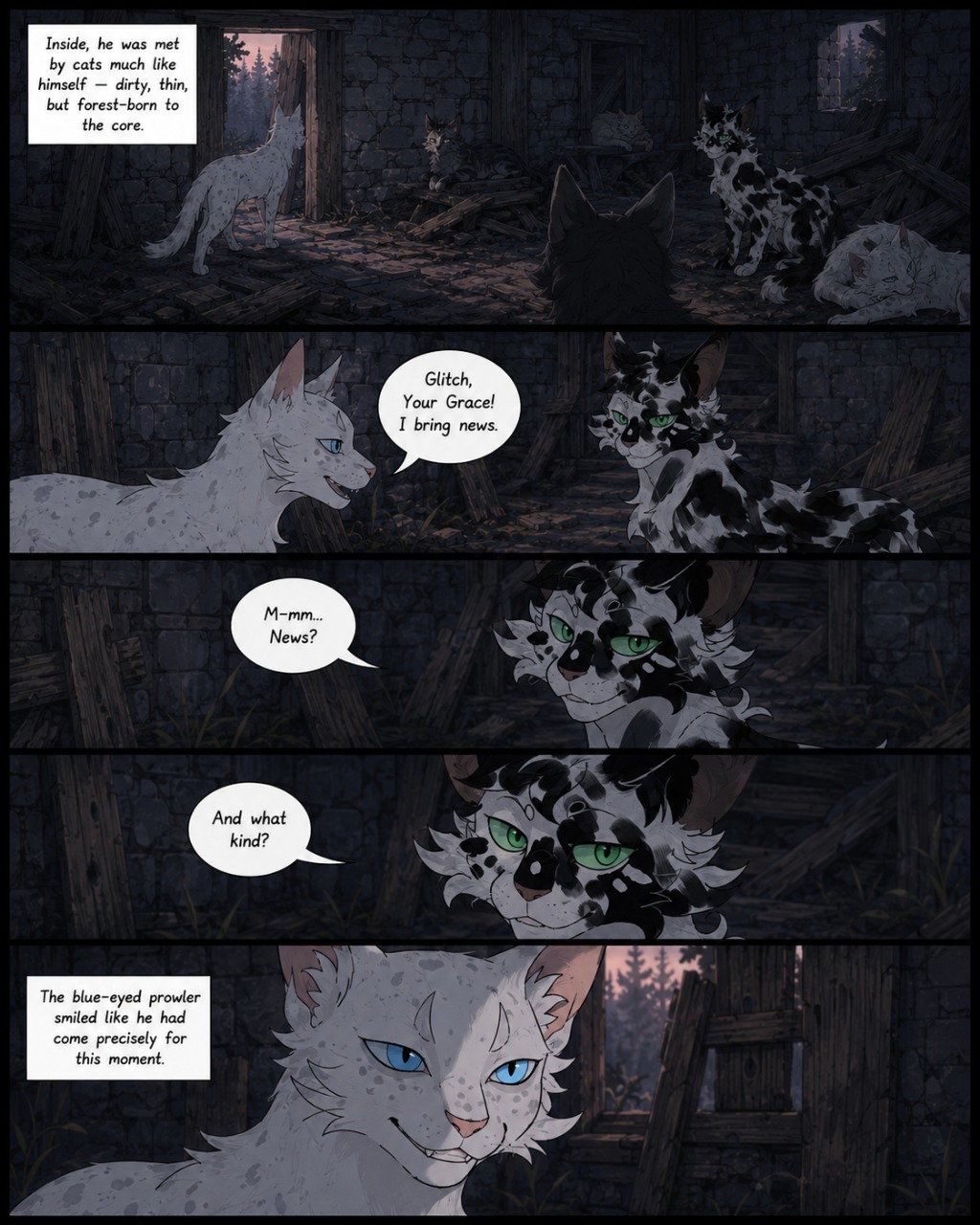
Comic page.
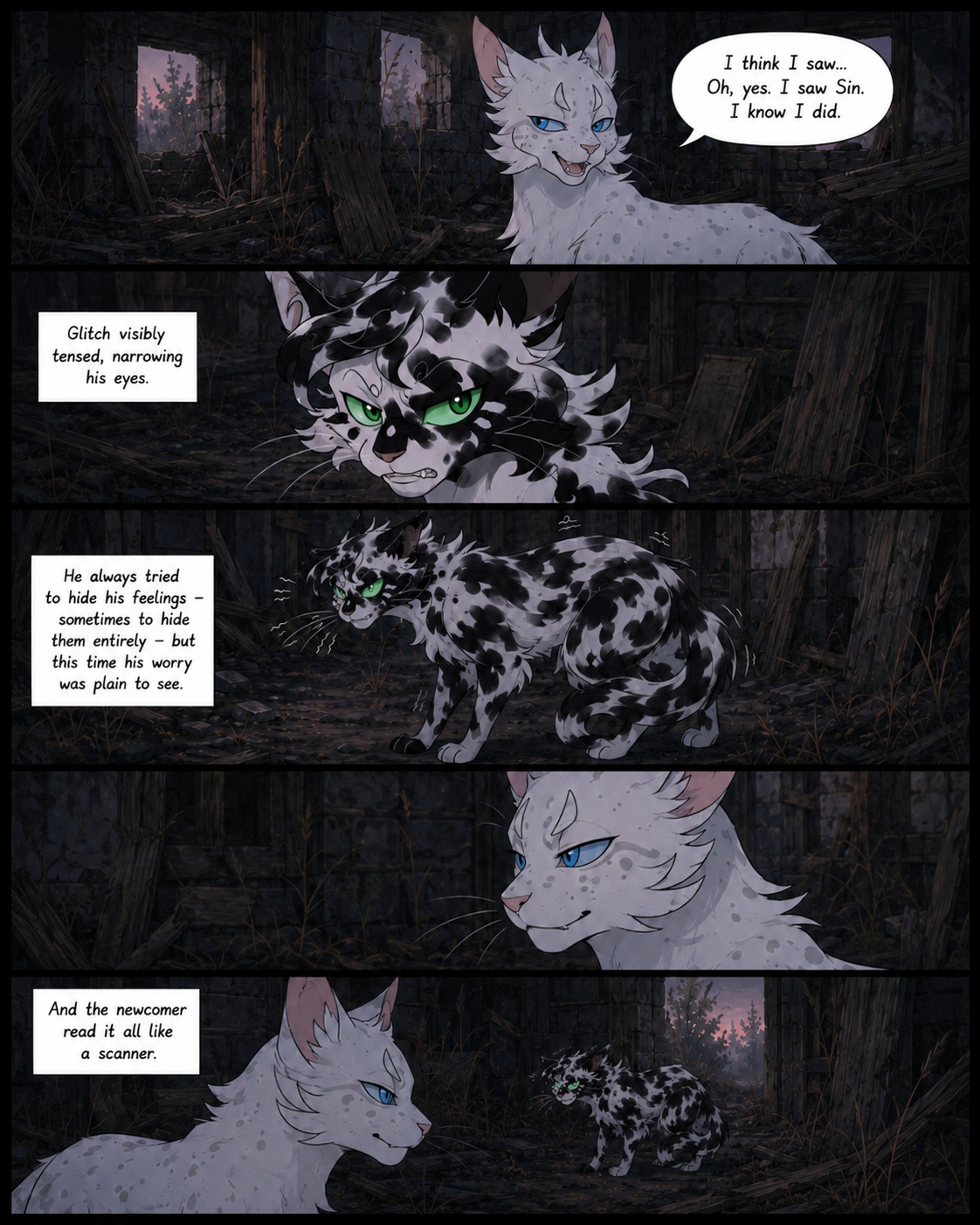
Comic page.
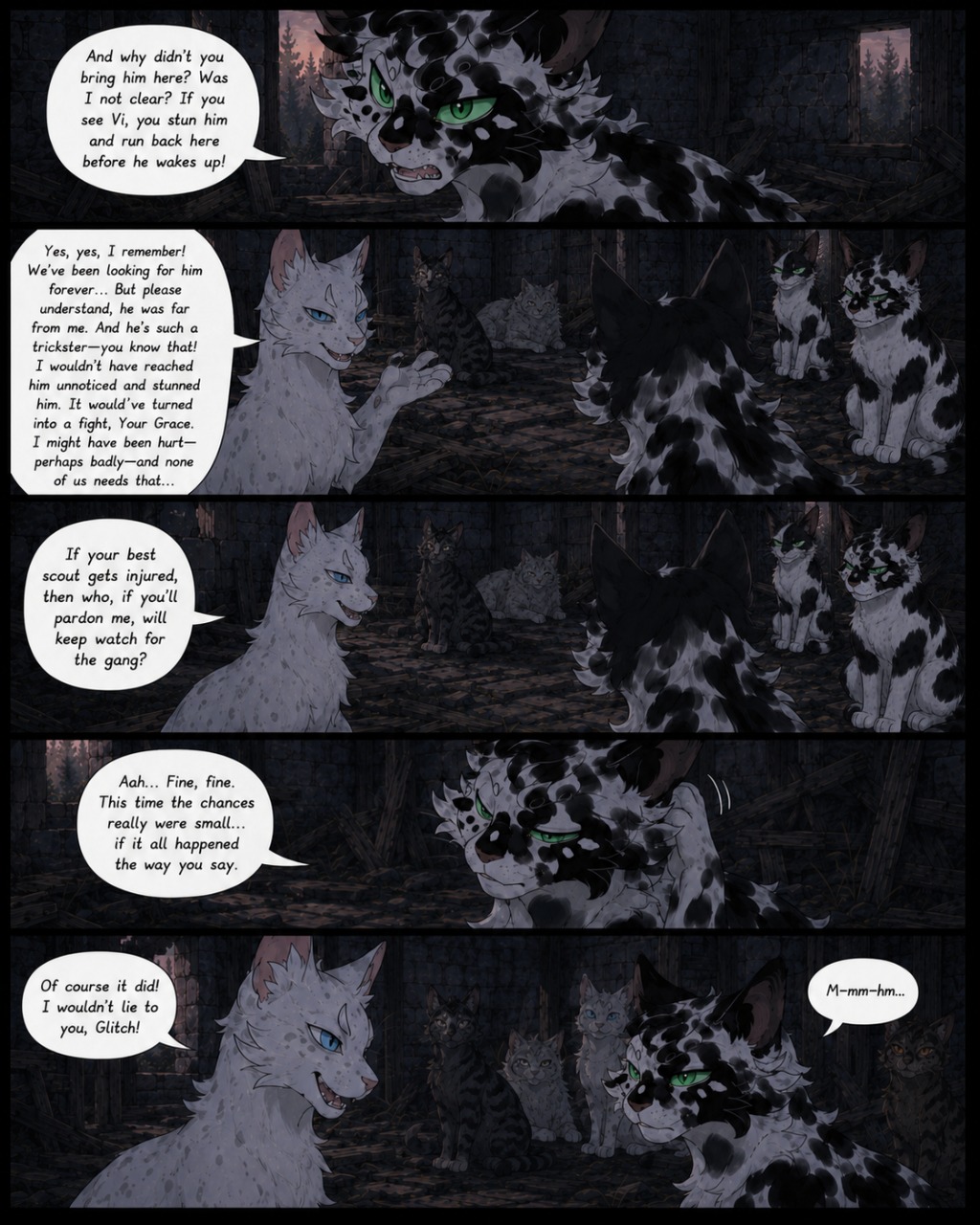
Comic page.
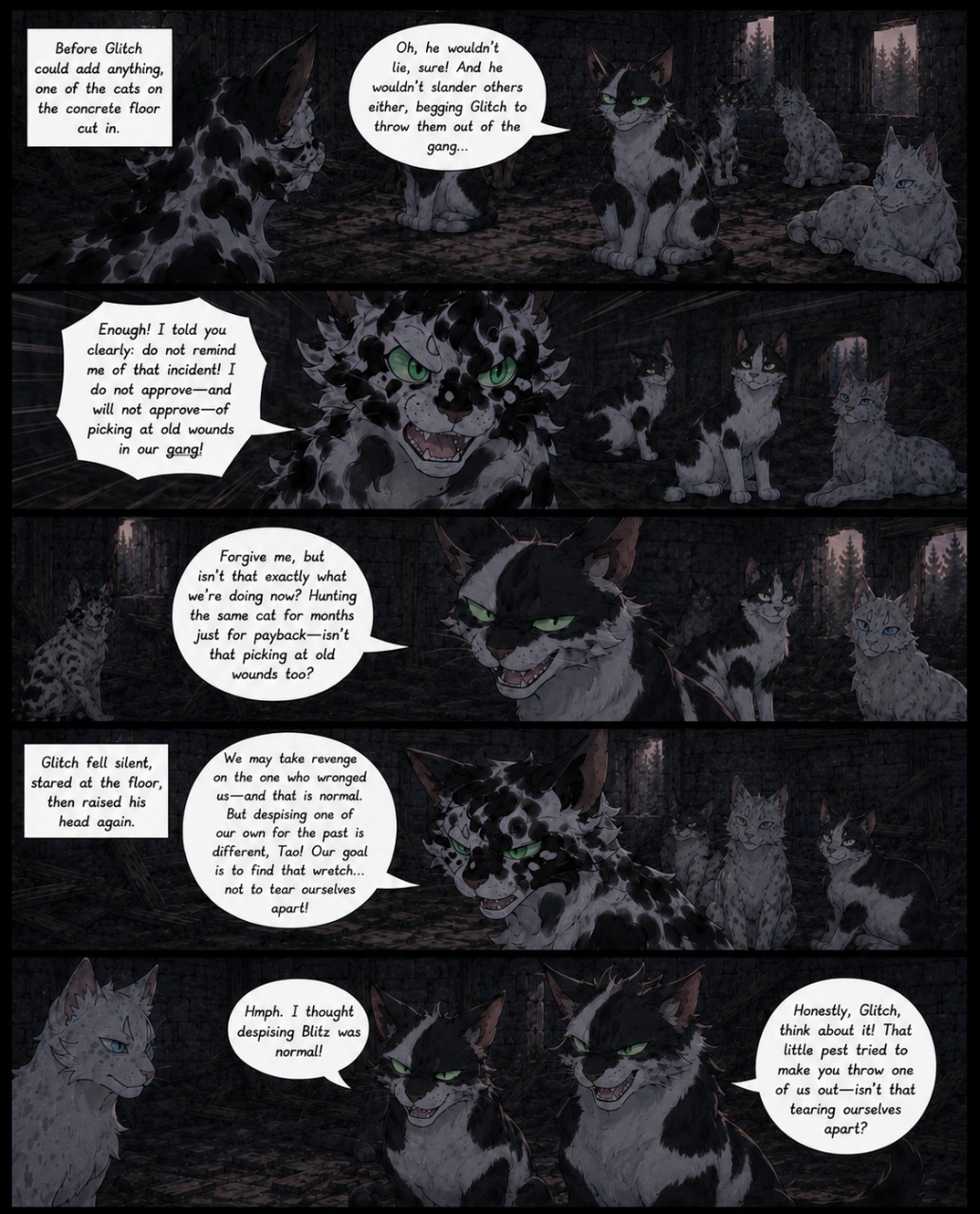
Comic page.
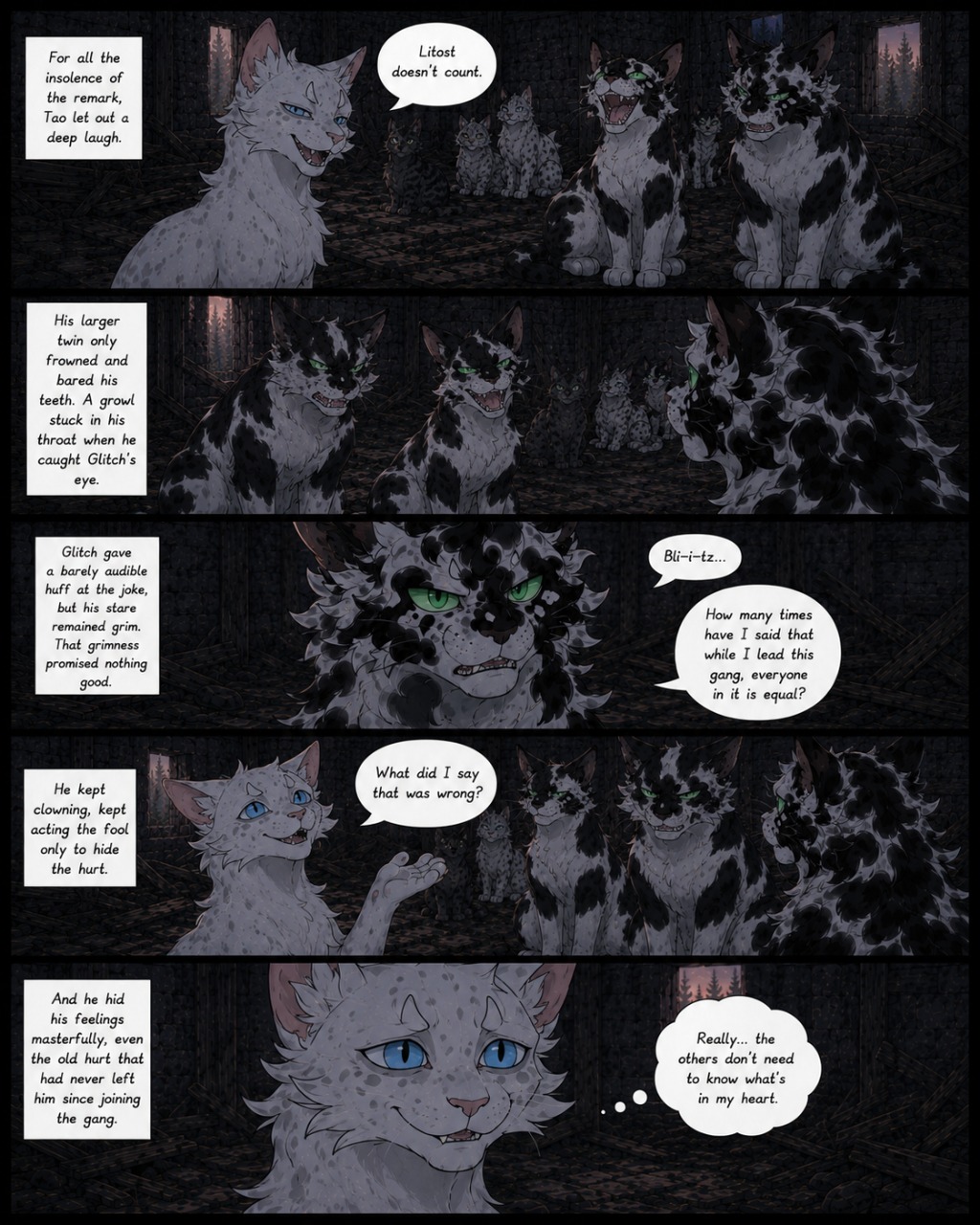
Comic page.
A tiled gallery of character artwork. To use real images, replace the file paths in DATA.gallery.
A list of character icons. Clicking an icon opens a card with the main information.
Public chat for site visitors.